


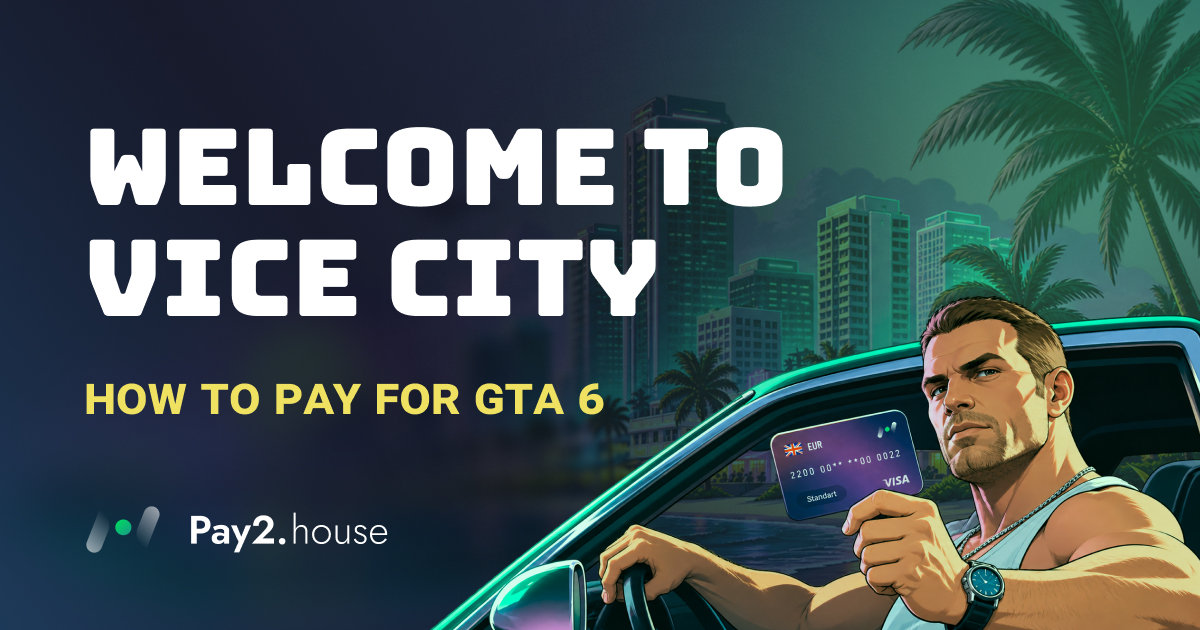
Vice City is calling again. Neon lights, palm trees, an oceanfront skyline, luxury cars, and the familiar atmosphere of a big city where a new story begins around every corner.
On November 19, 2026, Rockstar Games released the long-awaited GTA 6 for PlayStation 5 and Xbox Series X|S. Players can return to the legendary Vice City, meet new characters Jason and Lucia, and explore the vast open world of the state of Leonida.
If you are ready to begin your adventure, there is one question left to solve: where can you buy GTA 6 and how do you pay for the game?
One convenient option is a Pay2.House virtual card with a USDT top-up. You can use cryptocurrency to fund your service balance, issue a card, and complete the purchase directly on the official Rockstar Games website.
Here is how to do it.
Where Can You Buy GTA 6?
Grand Theft Auto VI is available for PlayStation 5 and Xbox Series X|S. You can purchase the game through several official platforms:
- Rockstar Store — the official Rockstar Games store, where you can choose a GTA 6 edition and complete your purchase.
- PlayStation Store — the digital game store for PlayStation 5.
- Microsoft Store — the digital game store for Xbox Series X|S.
The official Rockstar website offers the Standard Edition and Ultimate Edition. The first includes the base game, while the second adds extra in-game content and bonuses.
If you prefer to buy games directly from the developer, you can use the Rockstar Store.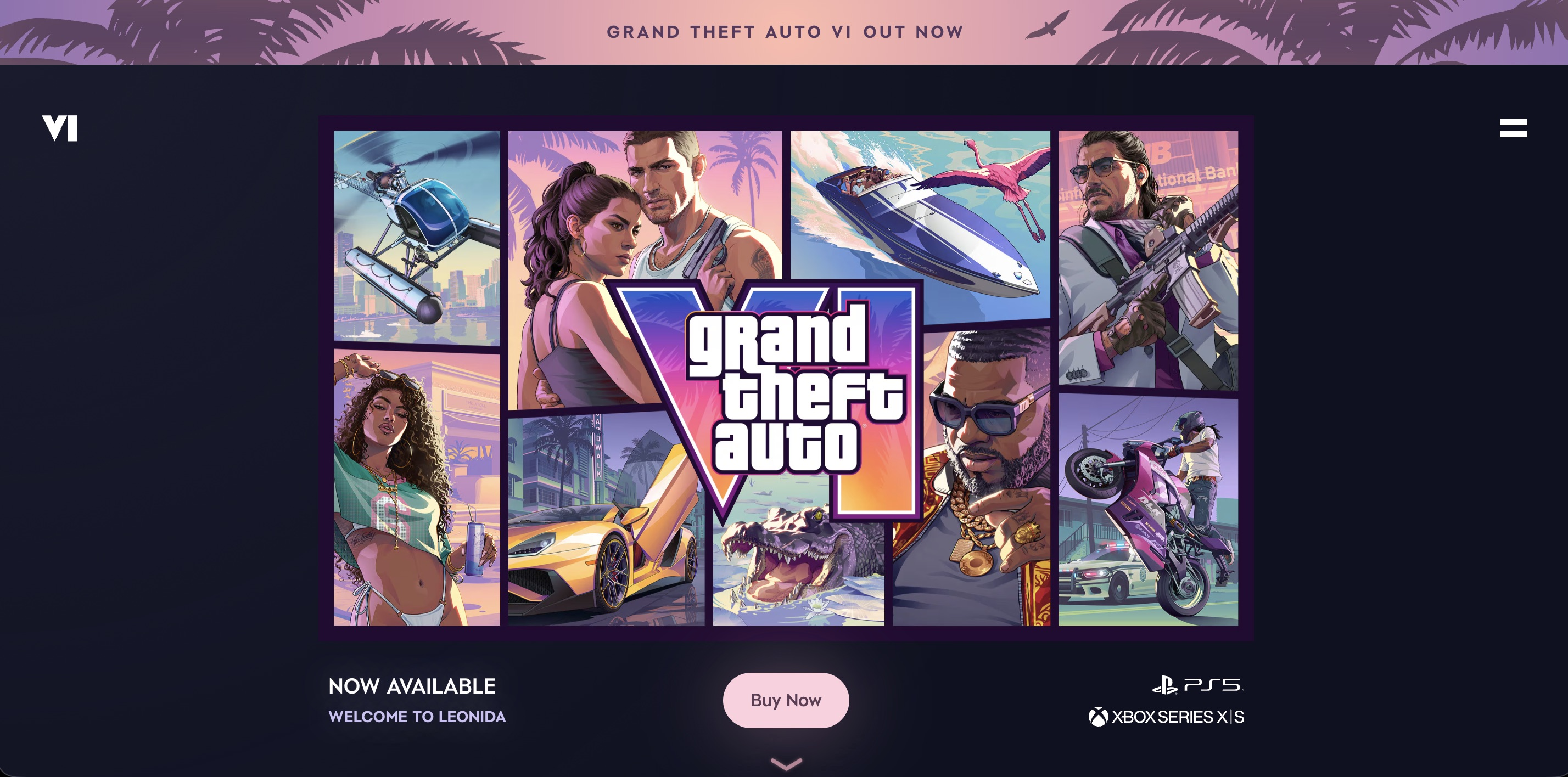
Below is a guide to buying GTA 6 directly on the Rockstar Store website using a Pay2.House virtual card.
How to Buy GTA 6 via Rockstar Store with a Pay2.House Card
Step 1. Get a Pay2.House Virtual Card
Go to Pay2.House and create an account.
Readers of this article can use the special promo code ROCKSTAR-15, which provides $15 for issuing virtual cards.
You can activate it in your Pay2.House account.
After activation, the bonus funds will be added to a separate balance. They can be used to pay for virtual card issuance, but not for topping up a card or purchasing GTA 6.
Step 2. Top Up Your Balance and Prepare Your Card
In Pay2.House, you can top up your main balance with USDT on the TRC20 network without a deposit fee.
After topping up:
- Go to the “Cards and Accounts” section.
- Select a virtual card for payment in the Rockstar Store.
- Issue the card, using bonus funds if available.
- Top up the card with the amount required to purchase GTA 6.
The minimum card top-up amount is $50. Keep in mind the final price of your chosen GTA 6 edition and allow for possible fees.
All virtual card details and transaction history are available in your Pay2.House account.
If you are unsure which card is suitable for the Rockstar Store, contact a Pay2.House manager for help choosing the right option.
Step 3. Go to the Official Rockstar Store
Open the Grand Theft Auto VI page in the Rockstar Store.
On the game page:
- Select your platform: PlayStation 5 or Xbox Series X|S.
- Choose an edition: Standard Edition or Ultimate Edition.
- Click “Buy Now.”
- Review your selected item and proceed to checkout.
Pay attention to the edition format. The Rockstar Store also offers a physical box containing a digital download code. This type of order requires delivery, not only online payment.
Step 4. Pay for GTA 6 with a Virtual Card
At checkout, select bank card payment and enter the details of your Pay2.House virtual card:
- Card number
- Expiration date
- CVV code
- Billing details requested by the store
Check the final amount and confirm the purchase.
After a successful payment, you will receive an order confirmation from the Rockstar Store, and the transaction will appear in your Pay2.House transaction history.
That is it. All that remains is to receive the game using your chosen method and head to Vice City.
What to Check Before Paying for GTA 6?
Purchasing the game takes only a few steps, but there are several details to consider before placing your order.
- Game account region. Make sure the selected GTA 6 version is compatible with the region of your PlayStation or Xbox account. Some activation codes may have regional restrictions.
- Virtual card selection. Payment terms can differ between cards. If you plan to pay through the Rockstar Store, we recommend confirming the suitable option with a Pay2.House manager in advance.
- Card balance. Consider the final game price, possible taxes, and fees. The minimum Pay2.House card top-up is $50, but purchasing GTA 6 requires an amount that covers the entire order.
If the payment does not go through, check the transaction status in your account and contact Pay2.House support to clarify the reason for the decline.
Vice City Is Waiting
GTA 6 opens a new chapter in the legendary series, featuring new characters, a vast open world, and the atmosphere of Vice City.
Before purchasing, do not forget to activate the ROCKSTAR-15 promo code and receive $15 for issuing Pay2.House virtual cards.
See you on the streets of Vice City!



 Telegram
 Email









Be the first to share your opinion!
We value your feedback — share your thoughts.