



How to Pay for Telegram Premium with a Pay2.House Card
Telegram Premium is a paid subscription that unlocks extra features like voice-to-text conversion, faster downloads, exclusive reactions, and the ability to gift subscriptions to other users. You can pay for it via the official @PremiumBot using a virtual card from Pay2.House.
This guide walks you through the process step by step.
What You’ll Need:
-
A Pay2.House account
-
A standard virtual card in USD or EUR
-
A card balance of at least $5.50 (the subscription costs ~$4.99 + a $0.25 transaction fee)
-
A Telegram account with no restrictions
Step-by-Step Instructions
1. Issue a Card in Pay2.House
Log into your account, choose the currency, select or create a standard card, and top it up. Make sure the card is active.
For detailed instructions on how to issue a card, see our guide.
2. Open Telegram and Find @PremiumBot
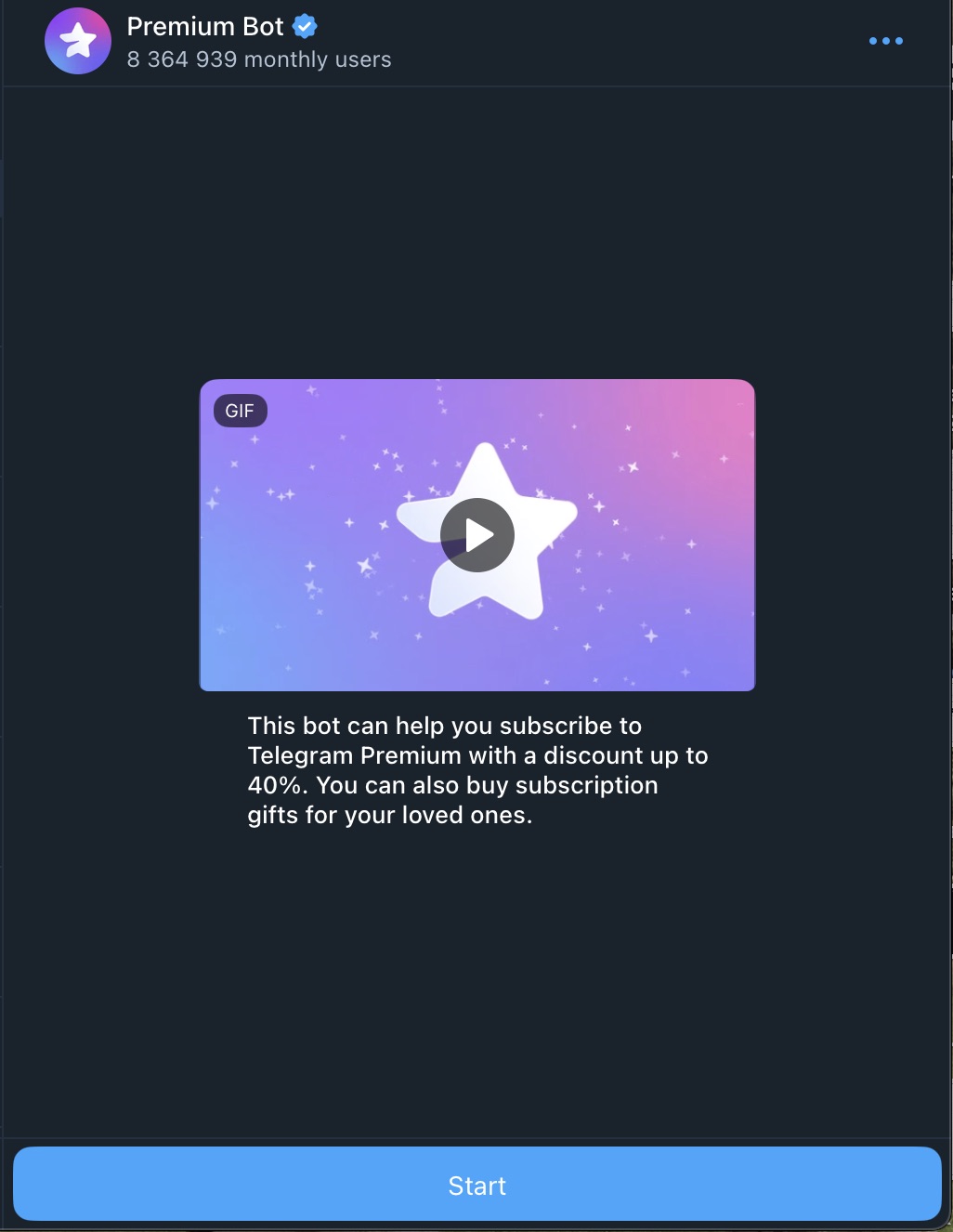
Click “Start” to access the subscription menu.
3. Choose Subscription Type, Period, and Format (For Yourself or as a Gift)
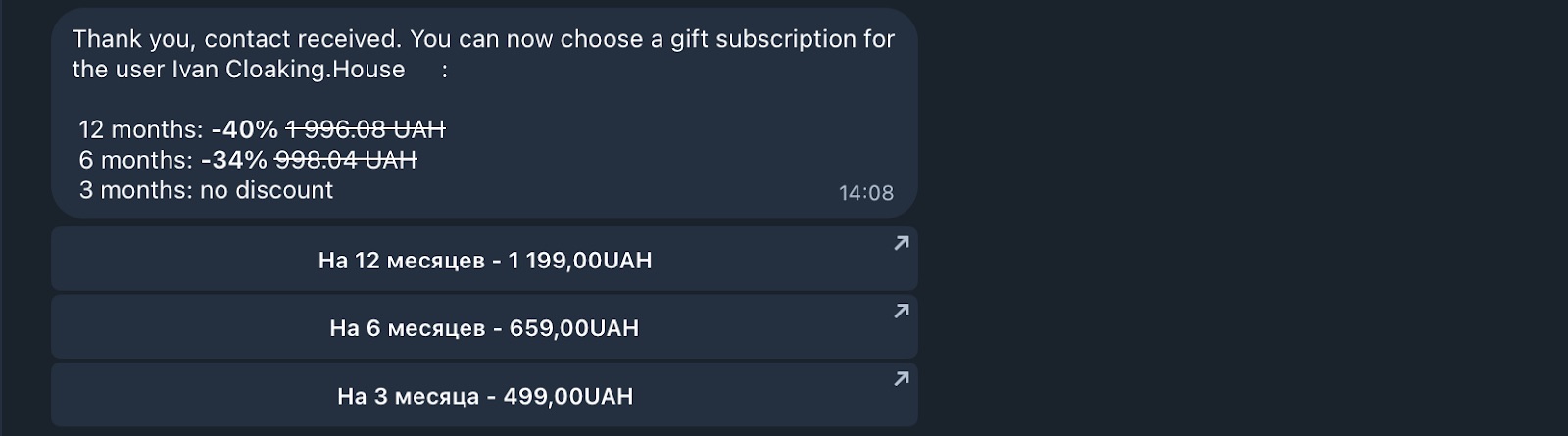
Telegram will show you the available pricing in your local currency. You can choose between 3, 6, or 12 months and send it as a gift if needed.
4. Confirm the Order and Proceed to Payment
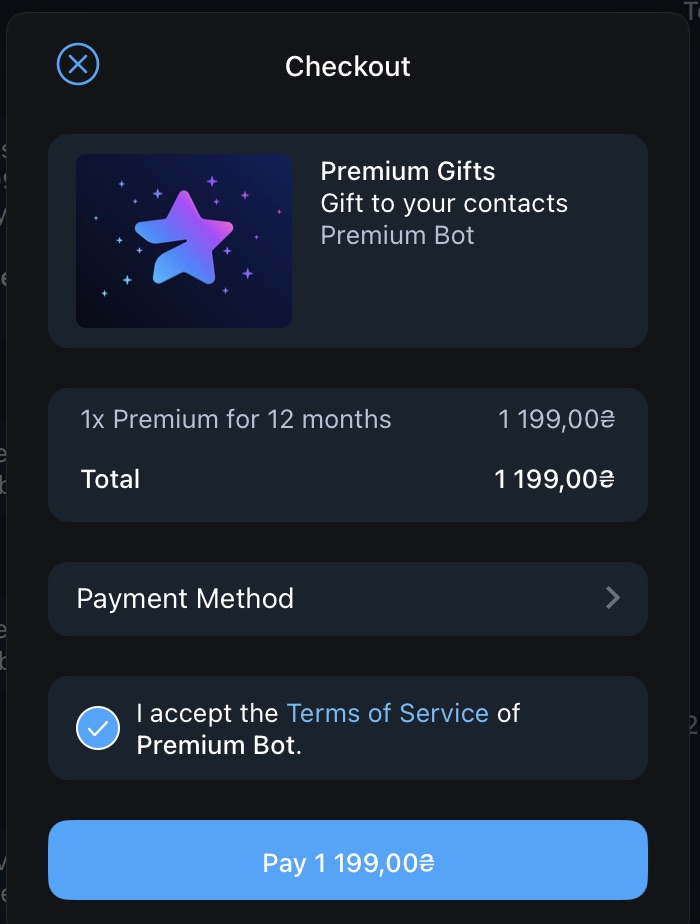
5. Select Payment Method and Click “Add Card…”
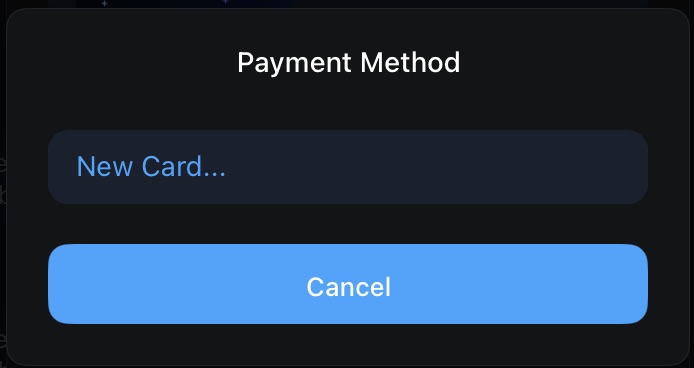
6. Manually Enter Your Pay2.House Card Details
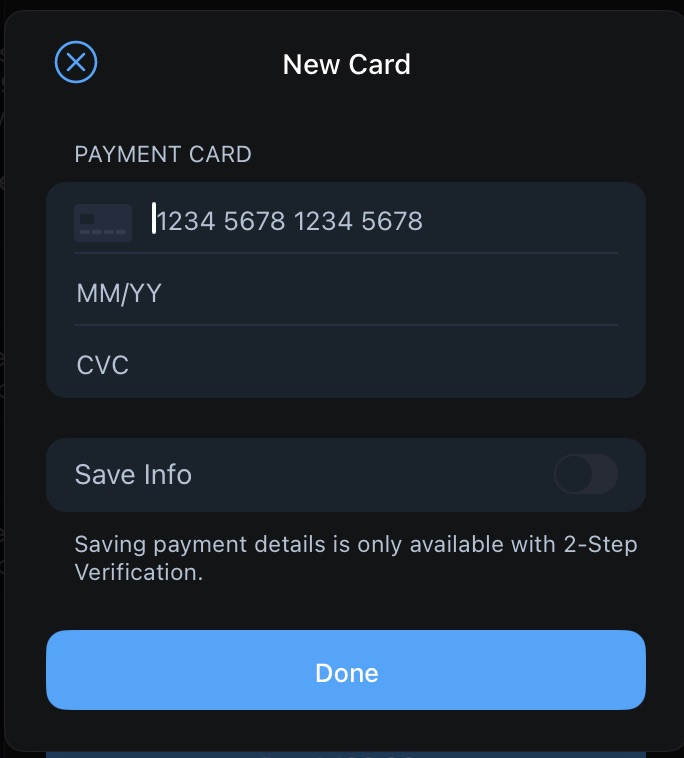
Input the card number, expiration date, and CVC. Payment is processed instantly — no 3D Secure code required.
7. Complete the Payment
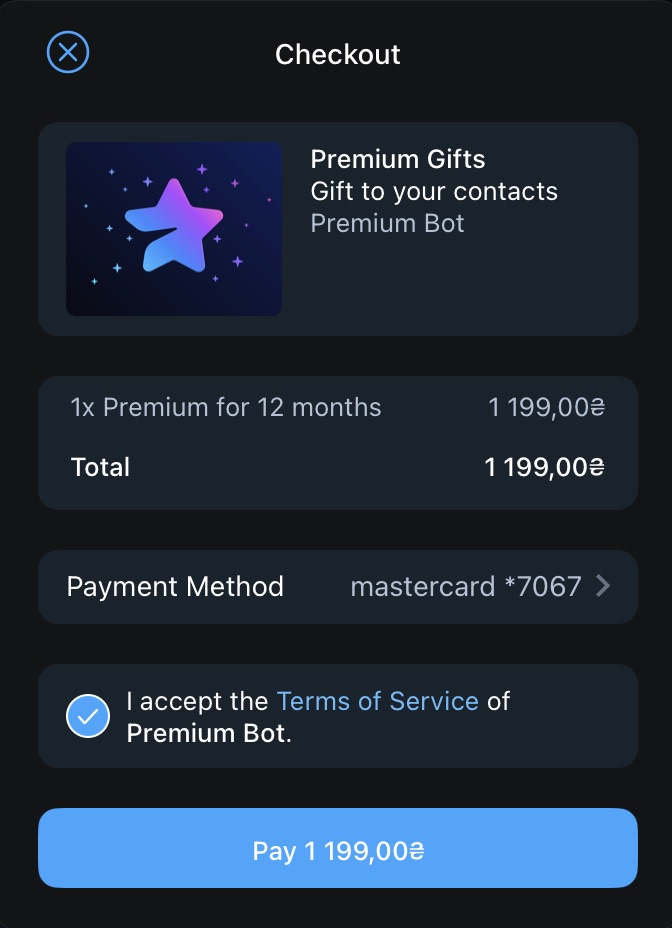
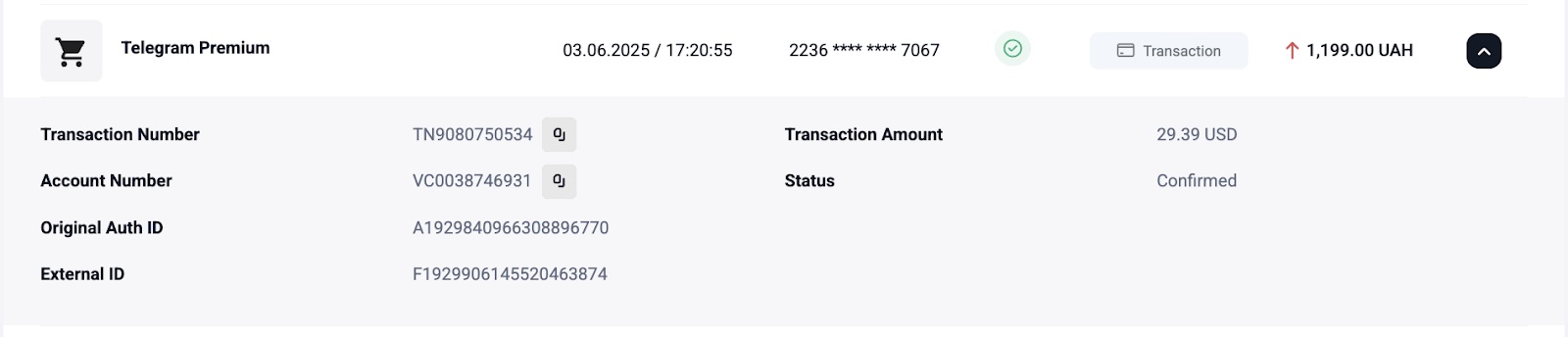
After confirmation, the card will be saved and your Premium subscription activated. A Premium badge will appear in your profile.
Common Errors and How to Solve Them
| Error | Cause | Solution |
|---|---|---|
| Card declined | Insufficient balance | Top up the card |
| 3D Secure doesn’t show up | Browser issue or card protection not activated | Check your card settings in Pay2.House, try another browser |
| "Unsupported payment method" | A personal (crypto) card was used | Issue a standard card in your Pay2.House dashboard (Standard cards are for all types of online payments, including subscriptions. Personal cards — crypto cards — are designed for Apple Pay and everyday purchases, but don’t always work with service subscriptions) |
Conclusion
Pay2.House cards work perfectly for activating Telegram Premium. You can use them for your own account or gift a subscription to others. Just make sure to use a standard card and follow the steps in @PremiumBot accurately.
If you run into issues, the Pay2.House support team is ready to help you at any stage.


 Telegram
 Email
Email



Be the first to share your opinion!
We value your feedback—share your thoughts.