


Managing one advertising account is relatively straightforward. Managing five, ten, twenty, or more is a different problem.
The difficulty is not simply remembering different passwords or opening several browser tabs. Advertising platforms can collect a wide range of information about the browser and device being used to access an account. At the same time, agencies need to keep client accounts, payment methods, cookies, sessions, and team access properly separated.
For a small media-buying team, trying to handle all of this manually can quickly become a bottleneck. This is where an anti-detect browser can help. In this guide, we explain how media buyers and agencies can build a more structured multi-account workflow with Incogniton, which common mistakes to avoid, and how to get started.
Why advertising accounts need more than separate logins
The obvious way to separate advertising accounts is to use different email addresses and passwords. But that solves only one part of the problem.
When you log into an advertising platform, the platform can observe more than your username. Your browser and device expose a collection of technical characteristics that can contribute to a browser fingerprint.
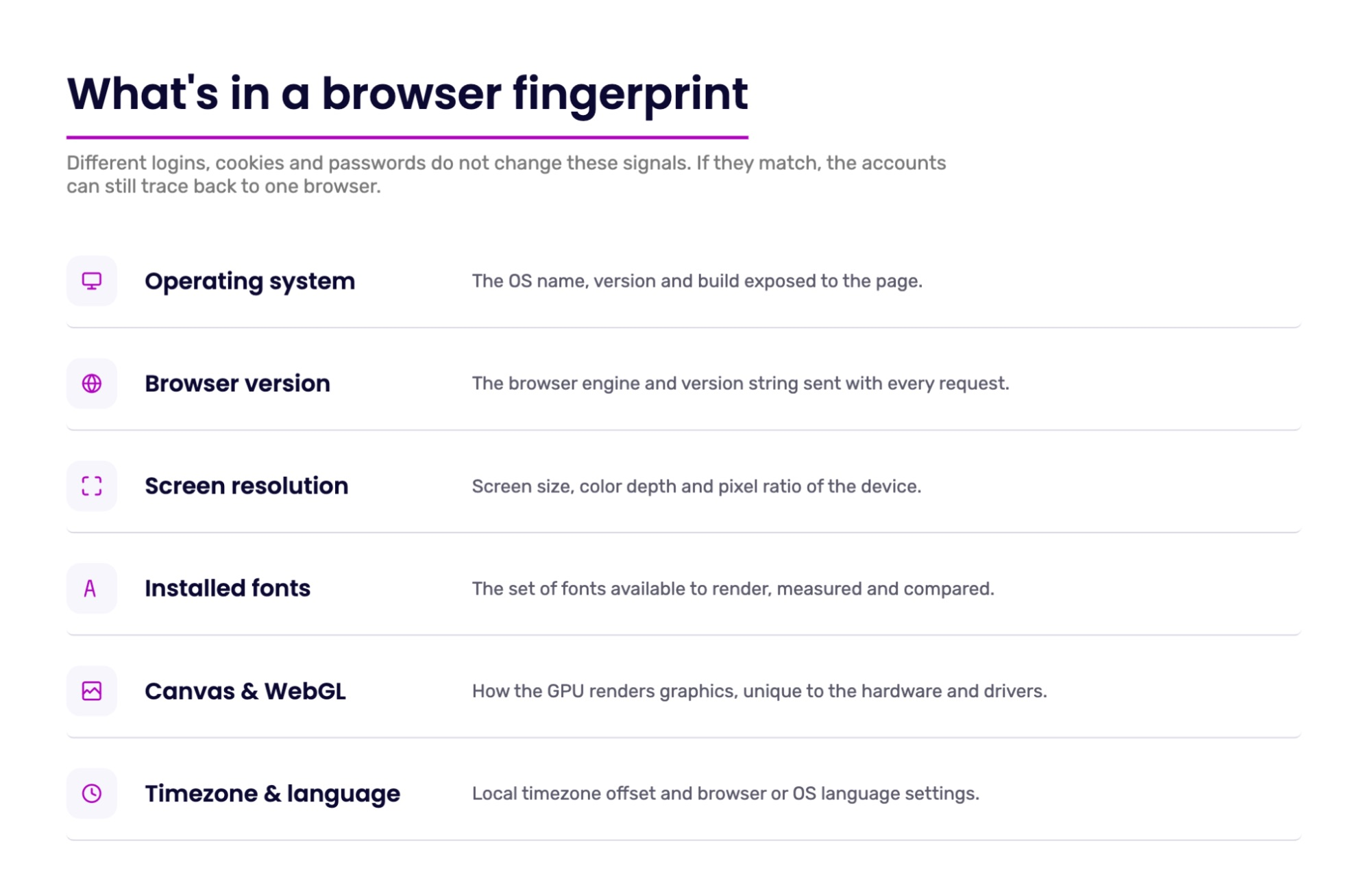
A fingerprint can include information such as:
- Operating system
- Browser version
- Screen resolution
- Fonts
- WebGL and Canvas characteristics
- Timezone
- Other browser-level signals
Websites can use these signals to distinguish one browsing environment from another.
This means that opening Client A's account in one Chrome profile and Client B's account in another does not necessarily make them completely independent. The accounts may have different cookies and login credentials while still being accessed from the same underlying browser and device environment.
In practice, accounts are rarely connected because of a single signal. Platforms can consider combinations of signals such as:
- Shared IP address
- Similar browser characteristics
- The same payment card
- Overlapping admins in a Business Manager
- Similar login patterns
- Other account or device signals
When one account in such a cluster gets restricted, related accounts may also receive additional checks. This is one reason why managing multiple accounts requires more than simply using separate passwords.
Why separate devices are not always practical
The traditional answer is to use a different computer for every account. This can work if you are managing two to five accounts. It becomes impractical very quickly for an agency.
| Setup | What it involves | Main challenge |
|---|---|---|
| Separate browser tabs | Multiple accounts in one browser | Sessions and environments can be mixed |
| Separate Chrome profiles | Different cookies and logins | Browser-level signals can still overlap |
| Separate devices | One device per account | Expensive and difficult to manage at scale |
| Virtual machines / remote desktops | Isolated working environments | More infrastructure to maintain |
| Dedicated browser profiles | Separate environments on one device | Easier to organize and manage at scale |
Imagine a small agency managing 15 client accounts. If every account needs its own physical device, the team has to buy, maintain, update, secure, and monitor 15 computers. Even if the devices are virtual machines or remote desktops, the operational burden can become significant.
There is also the issue of continuity. When a team member needs to take over an account, they need access to the right device, browser session, cookies, and other account information. The more accounts you manage, the more complicated this becomes.
This is why multi-account management is ultimately an infrastructure problem. Browser environments, network connections, payment methods, and team access all need to be organized consistently rather than managed separately.
How Incogniton V5 helps manage multiple advertising accounts
Incogniton is an anti-detect browser built around anti-fingerprinting technology. It allows you to maintain separate browsing environments on a single device, with each environment, more accurately called a browser profile, configured independently.
This fingerprint isolation is one of the main differences between an anti-detect browser and simply using multiple Chrome profiles, and it can be useful for advertisers who work with multiple clients and need to keep browser environments organized.
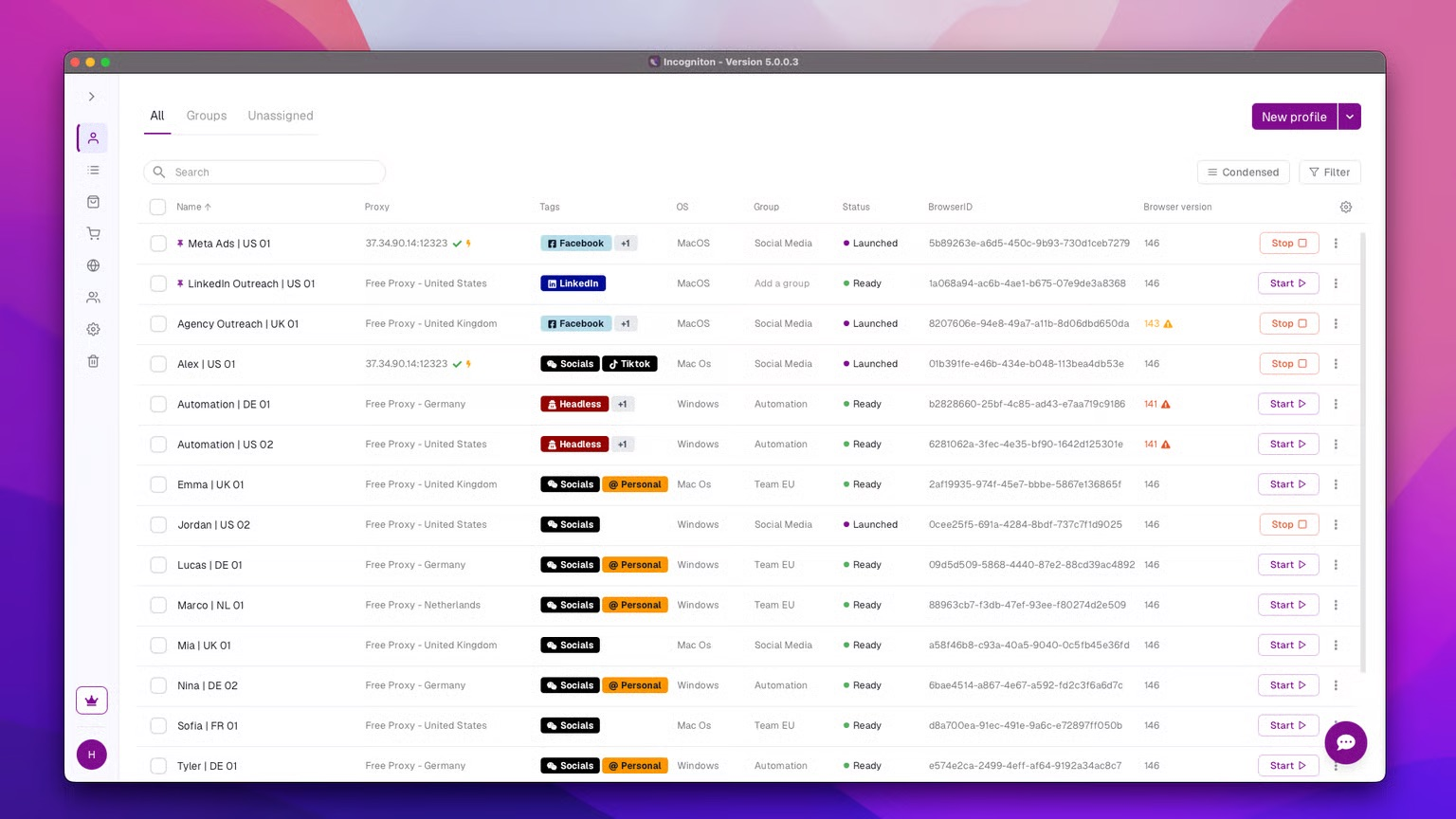
This basic feature is complemented by several others that matter for day-to-day ad operations.
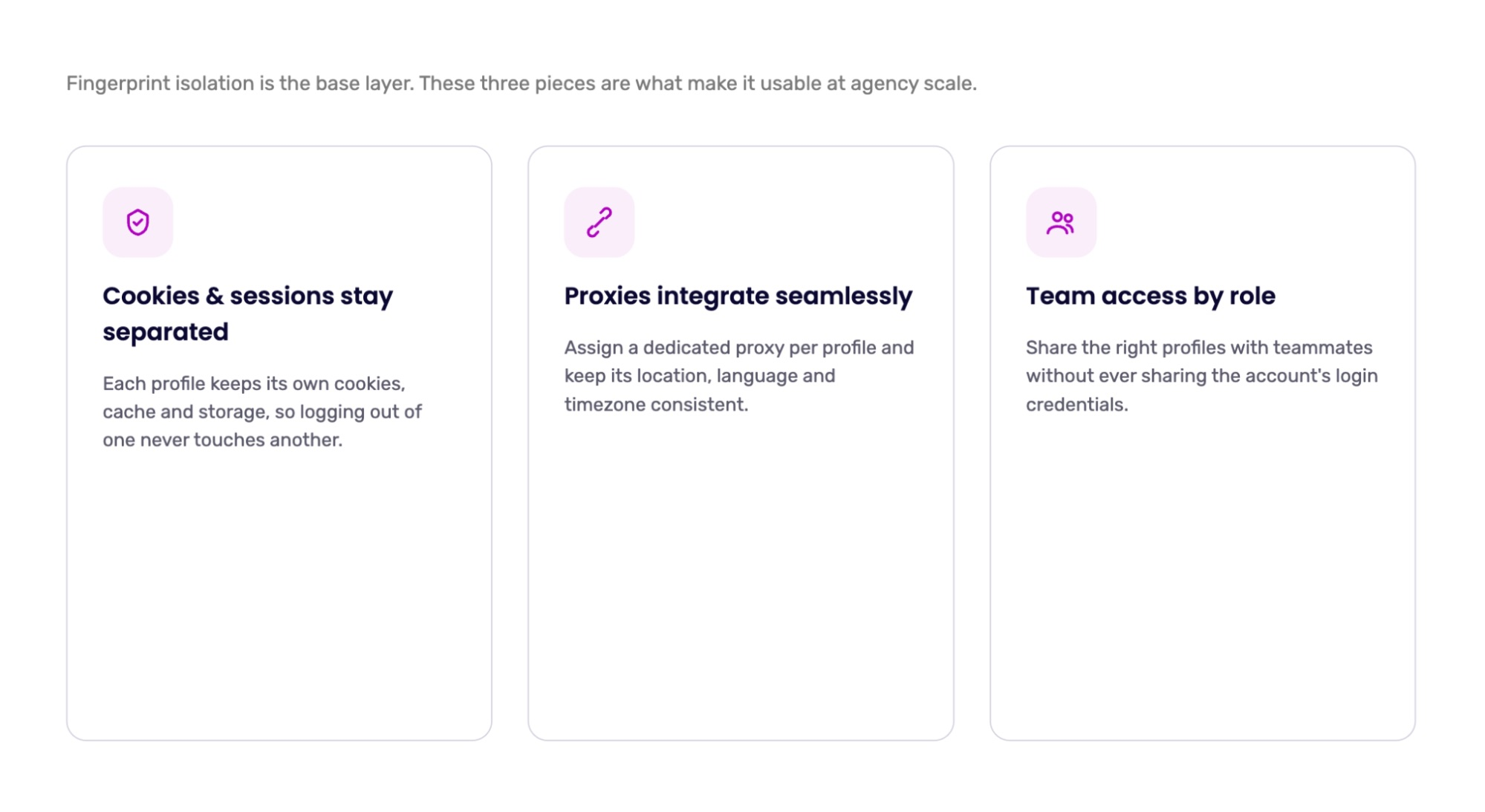
Cookies and sessions stay separated
Advertising platforms rely heavily on cookies and other forms of local browser storage.
If you log into several accounts through the same browser environment, keeping these sessions separated manually can become difficult.
Each browser profile keeps its own cookies, cache, and other session data apart from the others. Once you log into an account through its dedicated profile, you can close the profile and return later without rebuilding the entire browsing environment. This makes it easier to maintain a consistent browser environment from one session to the next.
Integrates a proxy layer seamlessly
A browser fingerprint is only part of the picture. Your IP address and network location can also be relevant to how an advertising account is accessed. This is where proxies can complement an isolated browser profile.
You can assign a dedicated proxy to an advertising profile and keep the profile's location, language, timezone, and other settings logically consistent. For example, if an account is normally managed through a US proxy, it can make sense for the profile to use a US timezone and English locale rather than settings that conflict with the account's operating environment. Network connections can be configured alongside the browser environment, so you do not necessarily need a separate tool for every profile.
Allows efficient team collaboration and management
When several people manage advertising accounts, sharing login details can quickly become difficult to control. An anti-detect browser can let teams share browser profiles and manage access according to each team member's role.
For example, an agency can give a media buyer access to the profiles they manage while keeping other client profiles restricted. This means team members can work from the same browser environment without having to share the client's advertising account credentials in chats or spreadsheets. If a buyer leaves the team, access to the relevant profiles can be revoked without changing passwords on every account.
Common mistakes when running multiple ad accounts
Even with the right tools, accounts can be affected by simple workflow errors. Here are some of the ones media buyers run into most often.
Logging in outside the dedicated profile. Opening an ad account from a personal browser or phone "just to check the stats" mixes environments and makes your account management workflow less consistent.
Mismatched settings. A German proxy combined with a different timezone, system language, and other location settings creates an inconsistent browsing environment. The profile, network connection, and account setup should remain logically consistent.
Changing IP addresses too often. Frequent IP changes can create additional inconsistencies in an account's access pattern. For advertising workflows, stable and reliable proxy connections are generally easier to manage than frequently changing IP addresses.
One card for everything. Using the same payment method across several unrelated accounts can make financial tracking more difficult and may create additional connections between accounts. Keeping payment methods organized by client, account, or project can make the overall workflow easier to manage.
Scaling spend too quickly. A fresh account that immediately launches high-budget campaigns can trigger additional checks. Building activity gradually and increasing budgets in line with the account's normal operation can make the workflow more predictable.
How to get started with Incogniton V5
You do not need to rebuild your entire advertising operation immediately. Start with one account and establish a repeatable workflow.
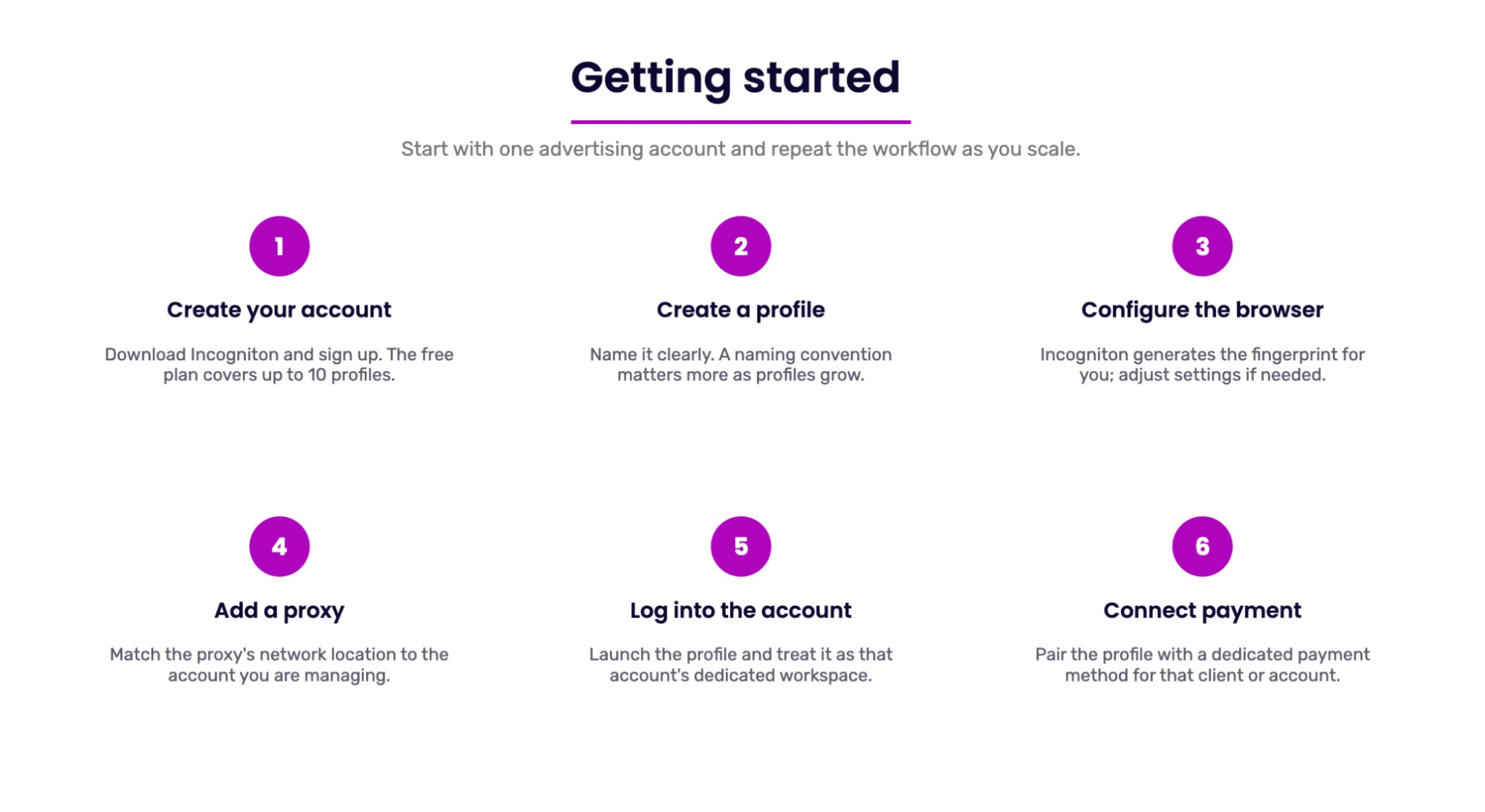
1. Create your account
Download the browser and create an account. Incogniton's available plan options can be checked on its current website, including the number of profiles supported by each plan.
2. Create a profile for your advertising account
Create a new browser profile and give it a clear name.
Instead of generic names such as "Profile 1", use a naming convention that your entire team understands. The naming system becomes increasingly important as the number of profiles grows. A simple format like Client_Platform_Geo_Number (for example, Bloomwear_Meta_US_01) shows at a glance which client, platform, and region each profile belongs to.
3. Configure the browser environment
The browser can configure the fingerprint for the profile automatically, so you do not necessarily need to adjust every technical parameter manually. If you have specific operational requirements, you can adjust the relevant settings in the profile. The main rule is consistency: once a profile is set up and in use, avoid changing its core parameters without a good reason.
4. Add a proxy where appropriate
Assign the appropriate proxy to the profile and make sure the network location makes sense for the account you are managing. Ideally, the proxy's country and other location signals should be consistent with the account's legitimate operating environment and the audience you are targeting.
5. Log into the advertising account
Launch the profile and log into the relevant advertising account.
From this point, treat that profile as the account's dedicated workspace. Access the account through this profile whenever possible, and if the account is new, follow the advertising platform's normal onboarding and compliance requirements rather than making sudden changes to activity or spending.
6. Connect your payment workflow
Once browser profiles and network connections are properly organized, it also makes sense to structure the payment side of the workflow. This becomes especially useful when a team manages several clients, advertising accounts, and campaign budgets at the same time.
Pay2.House can be used as part of this setup by providing virtual cards for advertising platforms such as Meta, Google Ads, and TikTok Ads. A separate card can be assigned to a specific account, client, or project, making it easier to keep advertising expenses separated and track spending across campaigns.
For teams working with multiple buyers, this approach can also simplify day-to-day payment management. Instead of keeping all advertising expenses on the same card, cards and budgets can be organized according to the structure of the accounts being managed.
This way, browser profiles, network connections, payment methods, and team access become parts of the same organized workflow rather than separate processes.
Conclusion
One thing to remember is that an anti-detect browser does not remove the need for good account management. It gives agencies and media buyers a more manageable infrastructure for organizing legitimate multi-account work at scale. You still need to follow the rules of Meta, Google, TikTok, or whichever advertising platforms you use.
The same principle applies to payments. Keeping advertising spend separated by client, account, or project can make financial management easier, particularly when several campaigns are running simultaneously.
Together, isolated browser profiles, consistent network configurations, and organized payment infrastructure give a media-buying team a more structured and predictable way to work.
FAQs
Can I use Incogniton for things other than advertising accounts?
Yes. Advertising is only one use case. Anti-detect browsers are designed for situations where someone needs to maintain multiple separated browser environments. This can include e-commerce operations, affiliate marketing, social media management, web research, localization testing, account management, and other workflows involving multiple online identities.
The underlying idea is the same: instead of putting every activity into one browser environment, you can create separate profiles with their own cookies, sessions, fingerprints, and network configurations.
Is Incogniton the same as a VPN?
No. A VPN primarily changes or masks your IP address and routes your traffic through another network. An anti-detect browser focuses on browser environments, including fingerprint and profile isolation.
They solve different problems and can be used together when the workflow requires both network and browser-level separation. Note that a single VPN connection shared across all accounts still gives them the same IP address, so for multi-account work individual proxies per profile can provide more granular network management.
Do I need a separate browser profile for every advertising account?
For a multi-account setup, keeping each independent advertising account in its own dedicated profile is generally the cleaner approach. This prevents cookies, sessions, and browser settings from being mixed between accounts.
How you structure profiles ultimately depends on your accounts, team, and the rules of the advertising platforms you use.
Do I need a proxy for every browser profile?
Not necessarily. Profiles can be used without proxies, but proxies can provide a separate network configuration for profiles where that is operationally appropriate.
If you use proxies, prioritize consistency and reliability rather than frequently changing IP addresses.
Does an anti-detect browser guarantee that my ad accounts won't be banned?
No tool can guarantee that. Platforms restrict accounts for many reasons, including policy violations in ads, landing pages, or payment issues. An anti-detect browser can help keep browser environments separated, but it does not replace compliance with platform policies. The quality of your creatives, landing pages, payment setup, and approach to account management still matter.



 Telegram
 Email
Email









Be the first to share your opinion!
We value your feedback — share your thoughts.