


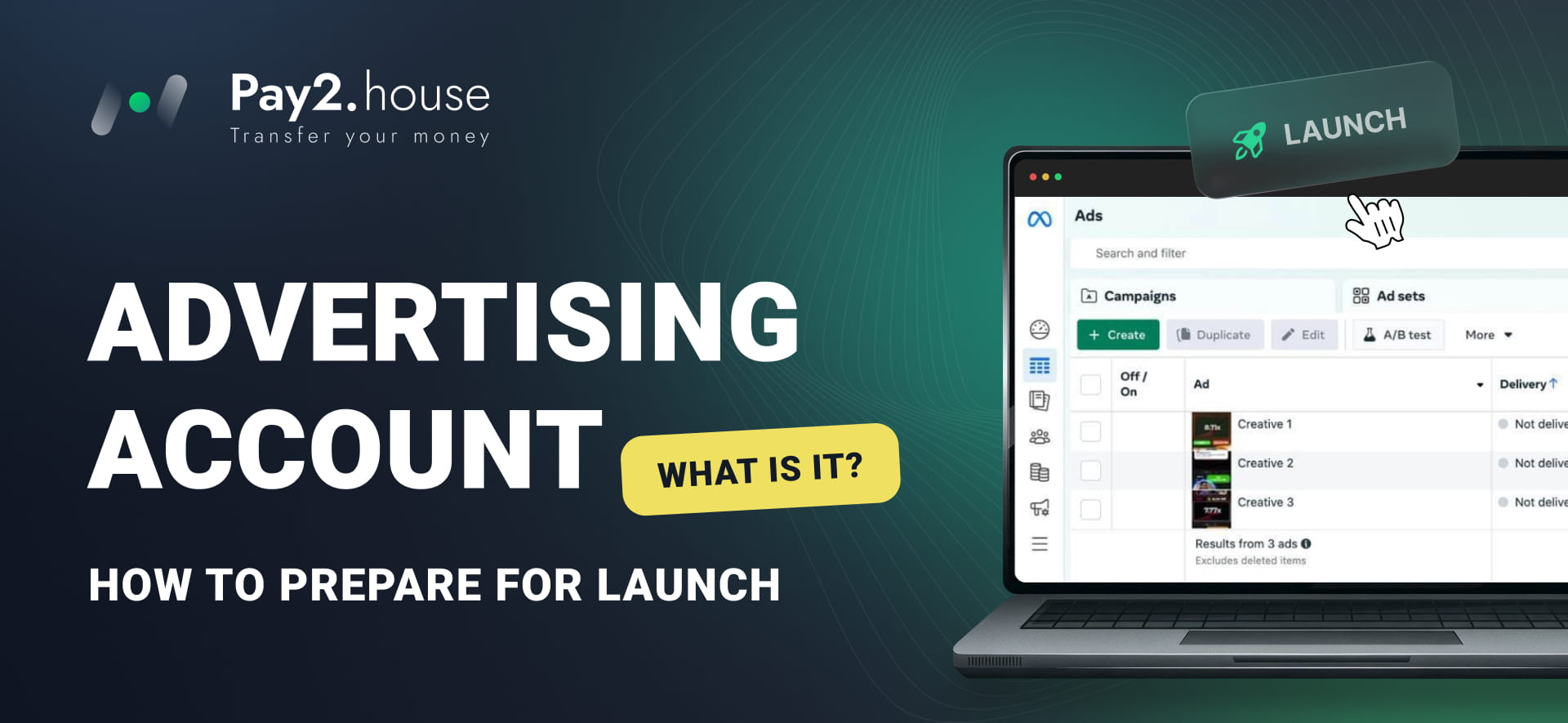
Launching advertising begins long before clicking the "Launch" button. First, you need to create an ad account, connect the necessary business assets, prepare creatives and landing pages, configure analytics, add a payment method, and set a budget.
For beginners, this system can seem confusing. Advertising platforms use varying terms: ad account, ad manager, business account, page, pixel, and others.
In this article, we explain the core concepts, what you need for your first campaign, and how to verify your advertising setup before launch.
What is an ad account
An ad account is a separate entity within an advertising platform where campaigns, ads, settings, spend data, performance metrics, and user access permissions are stored.
For example, a Meta ad account is used to run ads on Facebook and Instagram. Google Ads uses an ad account to manage campaigns across Google services, while TikTok Ads manages ads on TikTok.
An ad account should not be confused with a regular user profile. Having a personal Facebook account does not mean you have an ad account. Similarly, a personal Google account and a Google Ads account are not the same thing.
The exact structure depends on the platform. In some systems, the ad account is linked to a separate business account or payments profile, and it requires specific permissions to interact with a page, website, or mobile application.
How an ad manager differs from an ad account
An ad manager is the interface through which an advertiser manages accounts and campaigns. It allows you to create ads, select objectives and audiences, set budgets, add payment methods, and evaluate performance.
The distinction can be summarized as follows:
- Ad account – the advertising resource containing settings, campaigns, spend data, permissions, and metrics.
- Ad manager – the interface through which the user manages the advertising process.
In practice, these terms are often used interchangeably. The phrase "create an ad manager" can refer to creating an ad account or gaining access to the campaign management interface.
Through an ad manager, you can typically:
- create ad campaigns and ads;
- choose campaign objectives;
- configure target audiences and placements;
- set budgets and schedules;
- upload images, videos, and copy;
- specify landing pages;
- add payment methods;
- monitor spending and performance results.
For example, when launching ads for an online store, an advertiser selects a campaign objective, defines the audience, uploads creative assets, enters the website URL, and sets the budget. After launch, the same interface provides data on impressions, clicks, and conversions.
What is needed to launch ads
Creating an ad account is only the first step. A complete launch usually requires the following elements.
Ad account and business assets
Depending on the platform, an ad account may connect to a page, profile, website, domain, product catalog, or mobile application.
For example, promoting an e-commerce store requires a functioning website or relevant landing page. Running ads for a mobile app requires the application itself along with tools to track in-app user actions.
Audience
Before launching, determine who will see your ads. Depending on the platform, targeting options include geography, age, interests, user behavior, custom audiences, and other parameters.
For media buyers, audience targeting is part of a complete campaign funnel:
GEO → traffic source → audience → creative → pre-landing or landing page → offer → target action.
Creatives and copy
Advertising assets may include images, videos, carousels, headlines, and primary text. Formats and technical specifications vary by platform.
Review both file specifications and ad messaging. The ad, product, and landing page must align with platform policies and remain consistent with each other.
Landing page
After clicking an ad, users should arrive at a page where they can complete the intended action: register, submit a lead form, place an order, or install an application.
A landing page must:
- load quickly and reliably;
- display properly on mobile devices;
- match the offer stated in the ad;
- contain a clear call to action;
- feature functional buttons and forms.
Analytics
Analytics help track post-click user activity. Common tracking tools include pixels, tags, conversion events, UTM parameters, web analytics platforms, and mobile SDKs.
An ad manager might report 1,000 clicks, but without properly configured tracking, it is difficult to determine how many users signed up, submitted an inquiry, or completed a purchase.
Payment method and budget
Before launching, add an accepted payment method, verify billing details, and ensure sufficient account balance.
You also need to establish a testing budget. The required amount depends on the GEO, vertical, campaign goal, traffic costs, and the data volume needed to evaluate results.
How to prepare an ad manager: step-by-step checklist
1. Check currency and time zone
When creating an account, carefully verify the currency, time zone, billing country, and primary settings.
The time zone sets daily reporting cycles, while the currency determines billing and reporting figures. On many platforms, these parameters cannot be altered after account creation.
For instance, according to Google Ads guidelines, changing the account currency requires setting up a brand-new account. Verifying these core settings prior to launching prevents complications later.
2. Set up roles and access permissions
If multiple team members work on advertising campaigns, define specific access levels for each person in advance.
One specialist may manage campaign creation, another may oversee analytics, while a manager may need billing and reporting access. Avoid granting administrator privileges to everyone unnecessarily.
Proper access management is crucial for agencies and teams handling multiple client projects simultaneously.
3. Connect required business assets
Ensure that all relevant pages, websites, domains, applications, product catalogs, and assets are properly linked to the ad account. Confirm that your team members hold the required administrative permissions to operate them.
4. Define the target conversion action
Decide what user action represents a successful outcome prior to launching. This can include registrations, purchases, lead submissions, or app installs.
Configure event tracking inside your analytics tools and ad platform accordingly. This enables you to measure meaningful business results rather than just click volumes.
5. Test tracking and analytics
Complete the target action yourself on a test setup to ensure events trigger accurately. Verify UTM parameters, event names, and data pass-through.
Incorrect analytics configurations will deplete ad budgets while making it impossible to identify high-performing creatives and audiences.
6. Walk through the user journey
Open the ad or test link and navigate the complete user path:
ad → click → landing page → conversion action → event recorded in analytics.
Check the following:
- does the link open correctly;
- does the page load fast;
- does page content match the ad message;
- is the next step obvious to the visitor;
- do forms, payment gateways, and buttons work;
- is the target conversion registered properly;
- is the page convenient to use on mobile devices.
This verification reveals practical bottlenecks that remain invisible inside the ad manager interface.
7. Check creatives and platform policies
Advertising platforms maintain strict rules regarding ads, promoted products, visual assets, text, and landing pages. Policy violations can originate on the landing page just as easily as within the creative asset itself.
Inspect the complete promotional funnel before submitting campaigns for review.
8. Add and verify your payment method
Attach a working payment method beforehand. Even well-optimized campaigns will fail to deliver if billing transactions are declined.
Make sure that:
- the card or payment method is supported by the network;
- billing information and currency are accurate;
- available funds cover planned spends and verification holds;
- spending limits accommodate anticipated daily budgets;
- team roles clearly assign responsibility for balance monitoring.
Why ad accounts get restricted
Account restrictions can pause upcoming launches or halt ongoing campaigns entirely.
Common causes include:
- advertising policy violations;
- promoting prohibited or restricted products;
- landing page issues or non-compliant content;
- inaccurate or misleading business claims;
- payment failures or billing verification discrepancies;
- unusual or suspicious account activity;
- recurring compliance infractions.
No universal solution eliminates all compliance risks. Before running traffic, review platform-specific guidelines and thoroughly inspect your product, creatives, landing pages, and user funnels.
If an account receives a restriction, identify the reason stated by the platform, fix the underlying problem, and submit an appeal via official platform channels.
How to choose a payment method for ads
Payment infrastructure is a critical component of media buying operations.
When selecting payment methods, consider:
- compatibility with your chosen advertising platform;
- supported countries and currencies;
- transaction limits and fee structures;
- projected monthly spending volumes;
- balance top-up convenience;
- ability to separate budgets across projects;
- team-based expense management features.
A single card may suffice for testing small campaigns. When managing larger ad spends across multiple projects, distributing budgets across individual dedicated cards provides better control.
Pay2.House provides virtual cards designed for media buyers and digital advertising platforms. Teams handling high transaction volumes can take advantage of multi-card management tools, bulk card issuance, and automated API controls.
Before issuing cards, review available BIN ranges, currency options, fees, and compatibility with your advertising platform.
A BIN represents the initial digits of a card number identifying the card brand, issuing institution, and account type.
A detailed guide to card issuance is available in the article "How to Register and Start with Pay2.House". For Meta Ads users, a dedicated guide on linking Pay2.House cards to Facebook Ads is also available.
How to determine your first campaign budget
There is no fixed budget figure for an initial launch. Test budgets depend on targeted GEOs, business verticals, traffic rates, campaign objectives, and data requirements for testing hypotheses.
For example, if an expected cost per action is around $10, a $20 budget will rarely provide enough statistical data to draw conclusions. However, this does not mean every test requires $200 or $500 right away.
Before launching, specify:
- Which hypothesis you are evaluating.
- What specific action counts as a successful result.
- How much data is required for primary evaluation.
- What budget you are prepared to spend during testing.
Testing multiple GEOs, audiences, and ad variants simultaneously requires more capital than running a single focused combination.
Budgets facilitate testing volume, but spending alone does not guarantee performance. Increasing spend will not correct flaws in targeting, creative quality, value propositions, tracking setups, or landing page performance.
What to monitor after launch
Launching a campaign marks the start of performance tracking, not its conclusion. Once ads are active, monitor spending, impressions, clicks, and conversion data closely.
Key metrics often include:
- CPM – cost per thousand impressions;
- CTR – click-through rate;
- CPC – cost per click;
- CR or CVR – conversion rate to target action;
- CPA – cost per acquisition;
- ROAS – return on ad spend;
- ROI – overall return on investment.
A single metric rarely tells the whole story. A high CTR proves an ad captures user attention, but if those visitors fail to convert on the site, CTR alone cannot justify campaign efficiency.
Evaluate the complete performance chain:
impression → click → page visit → conversion action → cost per result → revenue.
Avoid making hasty adjustments based on a handful of impressions or initial clicks. Base decisions on campaign goals and sufficient data volume.
As statistical data accumulates, adjust targeting parameters, creatives, budget allocation, offers, or landing page layouts to compare performance.
Common mistakes before your first campaign
-
Launching without analytics
Campaigns generate clicks and spend money, but tracking user signups or purchases remains impossible. Consequently, you cannot determine which ads or audiences deliver real value.
-
Trying to solve setup issues with larger budgets
Increasing ad spend cannot resolve poor creative performance, mismatched targeting, weak value propositions, or broken website forms.
-
Skipping landing page checks
Post-launch audits often reveal broken mobile layouts, incorrect destination URLs, or non-functional lead capture forms.
-
Reviewing advertising policies only after rejection
Addressing compliance guidelines during campaign setup is far easier than resolving rejected ads or suspended accounts after launch.
-
Relying on a single payment method
If all campaign spending depends on a single card, unexpected payment failures can bring your entire media buying operation to an immediate halt.
For consistent operations, assign team billing responsibilities early and maintain reliable backup payment solutions that adhere to platform standards.
Frequently Asked Questions (FAQ)
What is an ad manager?
An ad manager is an advertising platform's web interface used to build campaigns, configure audiences, adjust budgets, upload ads, manage billing, and track performance results.
How does an ad account differ from an ad manager?
An ad account represents the underlying digital resource containing campaigns, settings, permissions, and metrics, while an ad manager is the visual management interface. In everyday practice, both terms are frequently used interchangeably.
What is required to launch ads?
Typically, you need an ad account, connected business assets, defined audiences, creatives, a landing page, tracking analytics, an approved payment method, and a testing budget. Specific needs vary by platform and product.
Why do ad accounts get restricted?
Restrictions generally stem from policy violations, promoting prohibited goods, landing page errors, misleading claims, payment processing failures, unusual account patterns, or repeated infractions.
How do I choose an ad payment method?
Evaluate platform compatibility, supported currencies and regions, transaction limits, processing fees, expected spending volume, and team management capabilities. Always check current platform billing requirements.
How much budget do I need for a first campaign?
There is no standard requirement. Initial budgets depend on traffic pricing, target GEOs, vertical, campaign goals, and the sample size needed to test your assumptions.
Should analytics be set up prior to launch?
Yes. Without tracking target actions, it is impossible to know which ads and target audiences produce actual registrations, leads, or sales.
Conclusion
An ad manager is more than just a tool for building ads. It connects the central components of your marketing strategy: audience targeting, budget allocation, creatives, analytics, assets, and billing.
Preparation begins long before the first impression is served. You must configure account settings, manage permissions, test landing pages, prepare creative assets, confirm event tracking, and verify your payment methods.
Work continues after launch: performance data provides the foundation for informed testing and ongoing optimization.
The better your advertising setup is prepared prior to launch, the easier it becomes to control ad spend, analyze campaign data, and prevent operational disruptions.



 Telegram
 Email







Be the first to share your opinion!
We value your feedback — share your thoughts.